
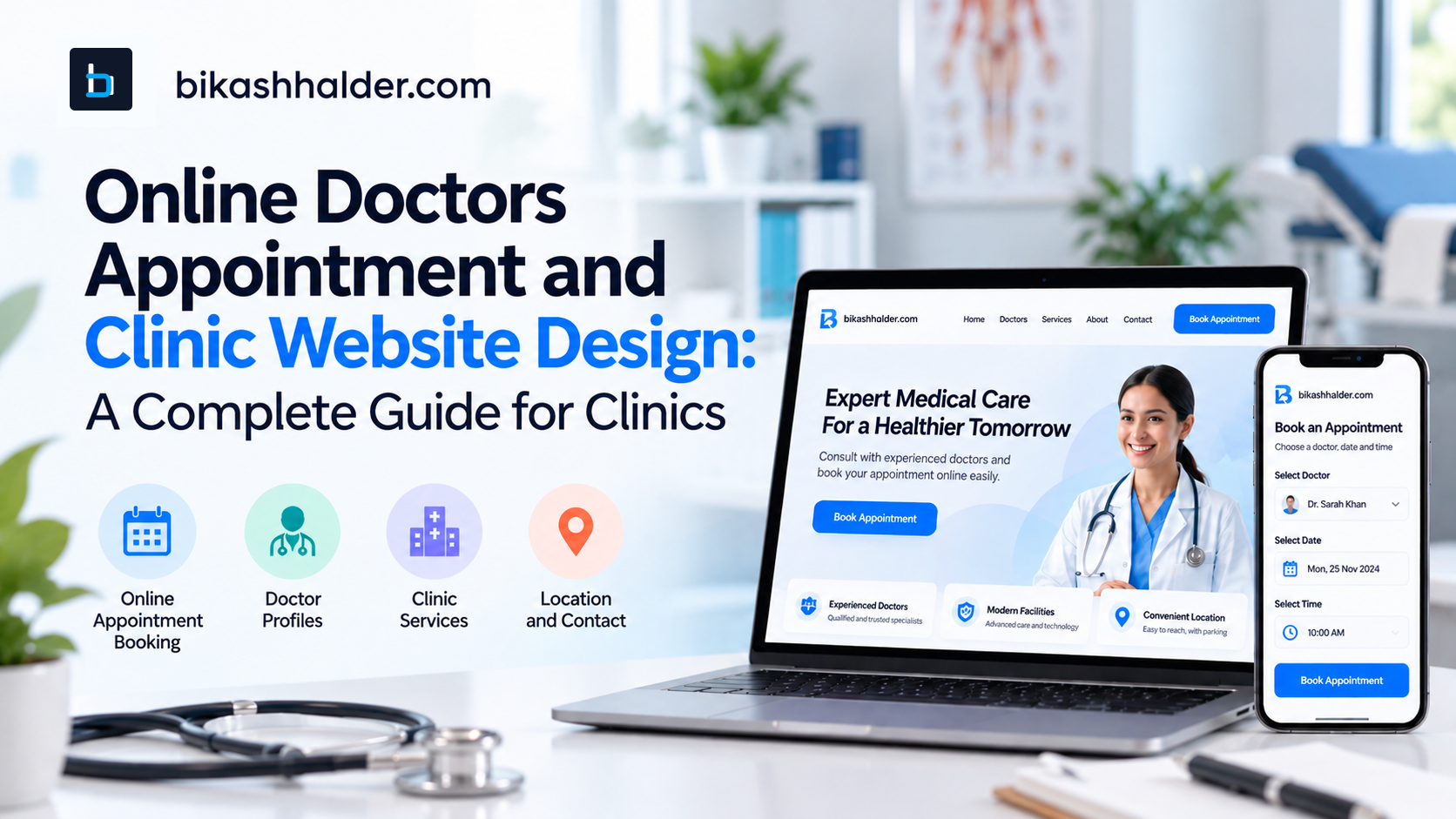
Online Doctors Appointment and Clinic Website Design: A Complete Guide for Clinics
How Patients Search for Doctors and Clinics Online
Patients do not always search for a clinic by its name.
Someone may search for a service, specialty, doctor, treatment, or location. Searches might include phrases such as:
neurologist near me
physiotherapy clinic in [city]
dental clinic with online appointment
orthopedic doctor [location]
eye clinic opening hours
specialist doctor near me
These searches can lead patients to different pages of a clinic website.
A service page can explain what the clinic offers. A doctor profile can help a patient understand who provides the service. A location page can answer questions about where the clinic is located. An appointment page can provide the next step.
This means the website needs a logical structure.
Patients should not have to search through several pages just to discover who the doctor is, what the clinic provides, where it is located, and how to book.
Google's Search Essentials and people-first content guidance emphasize useful, accessible content created primarily for users rather than content designed simply to manipulate search rankings.
For healthcare businesses, this matters even more because Google places additional emphasis on trust for topics that can affect people's health and well-being.
What Is an Online Doctors Appointment System?
An online doctors appointment system allows patients to request or schedule an appointment through a website or connected booking service instead of relying entirely on a phone call.
The exact process depends on the clinic, but a typical workflow looks like this:
The patient discovers the clinic.
They visit the clinic website.
They review the relevant doctor or service.
They select an appointment option.
They choose a date and time when availability is shown.
They provide the information required for scheduling.
The system confirms the booking or sends the request to clinic staff.
The patient receives confirmation and any relevant instructions.
Not every clinic needs a highly complex scheduling system.
A single-doctor practice may only need a simple appointment request form. A larger clinic may require multiple doctors, appointment types, locations, scheduling rules, reminders, administrative dashboards, and system integrations.
Research into web-based medical appointment systems has found potential benefits such as improved convenience and access, while also identifying challenges involving flexibility, cost, patient preferences, and differences in digital access.
That is why online booking should not automatically replace every other communication method.
A good clinic website can provide online scheduling while keeping the phone number clearly visible for patients who prefer or require another way to contact the clinic.
Why a Clinic Website Matters Before the Patient Books
An appointment button alone does not create a good digital experience.
Before booking, patients often need basic information.
Who is the doctor? What services are available? Where is the clinic? What are the opening hours? Does the clinic provide the service they need? What happens after submitting an appointment request?
A useful clinic website answers these questions before asking the patient to take action.
Consider someone searching for a neurologist. One clinic website may show only a phone number and a few photographs. Another may provide doctor profiles, areas of specialization, services, clinic hours, location details, FAQs, and a clear appointment process.
The second website gives the patient more context before they make contact.
That does not guarantee more patients or bookings. Website performance depends on many factors, including reputation, availability, pricing, competition, location, service quality, and search visibility.
The website's job is to make the process clearer and easier.
What Makes Good Clinic Website Design?
Effective clinic website design starts with the patient's needs.
A visually attractive website is useful, but design should also help visitors find information quickly and complete important tasks without unnecessary friction.
Clear Doctor and Specialist Information
Doctor profiles should answer the questions prospective patients are likely to ask.
Depending on the clinic, this might include the doctor's name, specialty, qualifications, areas of practice, experience, languages, consultation types, clinic locations, and appointment options.
The information must also be maintained.
A beautifully designed doctor profile becomes a problem if it contains outdated information about qualifications, consultation hours, or clinic locations.
Doctor pages can also become useful landing pages for patients searching specifically for a practitioner.
Medical Services and Treatment Information
Patients often search for services rather than the name of a clinic.
A dental clinic may need pages explaining services such as implants or orthodontics. A physiotherapy practice may have pages for rehabilitation or sports-related services. A neurology clinic may need dedicated information about its specialist consultations and services.
These pages should be written for real patients.
The goal is not to fill the website with generic medical content simply to create more pages. Each page should explain the service clearly and avoid unsupported claims or promises about medical outcomes.
Location and Contact Information
Patients should not have to hunt for the clinic's phone number or address.
Important details such as the clinic address, opening hours, phone number, email where appropriate, and location information should be easy to find.
Google Business Profile also allows businesses to manage information that appears on Google Search and Maps, including hours, phone numbers, websites, and locations.
The information on the clinic website and the business profile should be kept consistent.
Mobile-Friendly Design
A healthcare website should be designed for mobile devices from the beginning.
Patients may be searching while travelling, waiting, or using a phone with a relatively small screen. Buttons need to be easy to tap. Text must remain readable. Forms should be simple enough to complete without constant zooming.
Google uses the mobile version of a website for indexing and ranking under mobile-first indexing and recommends responsive web design as a practical approach.
For a clinic website, mobile optimization is therefore both a usability concern and an important technical consideration.
Fast Website Performance
A website can look impressive while still being frustrating to use.
Large images, unnecessary scripts, animations, videos, and third-party services can increase loading time. This matters when a visitor is trying to find a doctor or book an appointment.
Google's page-experience guidance includes Core Web Vitals alongside considerations such as mobile usability, secure connections, and whether the main content is easy for visitors to use.
Performance should therefore be considered during design and development rather than treated as an issue to fix after launch.
Patient Trust and Transparency
Healthcare websites need a strong foundation of trust.
Visitors should be able to understand who operates the clinic, which professionals work there, where the clinic is located, and how to contact the organization.
The website should avoid exaggerated claims such as guaranteed results or unsupported claims that a particular doctor is the "best."
Accurate information, clear authorship where relevant, transparent contact details, professional presentation, and appropriately sourced healthcare content all contribute to a more trustworthy experience.
What Is a Clinic Website With Online Booking?
A clinic website with online booking combines healthcare information and appointment scheduling into one patient journey.
Instead of reading about a doctor on one website and then having to search elsewhere for an appointment, the patient can move directly from information to action.
A typical journey may look like:
Google Search → Clinic Website → Doctor or Service Page → Appointment → Date & Time → Patient Details → Confirmation
This becomes especially useful when the appointment action is connected to the content the patient is reading.
For example, someone visiting a physiotherapy service page may decide they want to book a consultation. An appointment button on that page provides a natural next step.
Someone researching a particular specialist may prefer to see that doctor's profile and availability before booking.
The key is context.
How Online Appointment Booking Can Improve the Patient Experience
Telephone booking remains important for many clinics, but it can introduce friction.
Patients may be calling during working hours, while travelling, or while reception staff are already assisting other patients.
An online appointment system can allow patients to review information and submit or schedule an appointment without requiring a phone conversation for every interaction.
Research on web-based appointment systems suggests that online scheduling can improve access and convenience in some healthcare settings, although its effectiveness depends on implementation and the needs of the patient population.
For clinics, the goal should not be to eliminate human interaction.
Instead, online booking can handle straightforward scheduling tasks while staff remain available for questions, exceptional situations, and patients who prefer traditional communication.
For staff, a well-designed online workflow can also reduce repetitive appointment interactions by collecting the information needed to process a booking.
The important word is "well-designed."
A confusing booking form can simply move the administrative burden from the phone to email.
Essential Features of a Modern Clinic Website
There is no universal feature list that every clinic needs.
A single-doctor practice may need a relatively simple website. A multi-specialty clinic may require much more advanced functionality.
Common features include:
Doctor profiles: Clear information about doctors and specialists.
Service pages: Useful descriptions of the clinic's services.
Appointment booking: Direct scheduling or appointment requests.
Availability information: Dates and times when real-time scheduling is supported.
Contact information: Phone, email where appropriate, address, and other contact methods.
Clinic location: Address, map, directions, and location-specific information.
Operating hours: General and doctor-specific hours where necessary.
Appointment confirmation: Clear confirmation that a booking or request was received.
Patient forms: Forms that serve a genuine administrative purpose and are handled appropriately.
FAQs: Answers to common patient questions.
Reviews or testimonials: Authentic feedback where appropriate.
Emergency information: Clear instructions where relevant, without confusing emergency care with normal appointment scheduling.
Accessibility: A website that can be used by people with disabilities.
W3C's Web Content Accessibility Guidelines provide an international standard for making websites and digital content more accessible.
The important point is that not every clinic needs every feature.
Technology should support the clinic's workflow, not create unnecessary complexity.
Clinic Website Design Is Different From a Normal Business Website
Healthcare websites have additional responsibilities.
A restaurant website may focus heavily on atmosphere and menus. A healthcare website needs to communicate information that can influence someone's decision to seek care.
Patients may also be older, stressed, unfamiliar with technology, or using assistive technologies.
That changes the design priorities.
Good healthcare website design should consider:
clarity over visual complexity
accurate professional information
mobile usability
accessibility
privacy
security
appointment workflows
local discoverability
maintainable content
The website also needs to make a clear distinction between healthcare information and medical advice.
An appointment system schedules care. It does not diagnose a patient or replace a clinical consultation.
How Local SEO Helps Patients Find a Clinic
Local SEO matters because many healthcare searches have geographic intent.
A patient might search for a "dentist near me," "physiotherapist in [city]," or a doctor by name and location.
A strong local SEO foundation includes an accurate Google Business Profile, clear location information, useful service pages, relevant doctor pages, and consistent business information.
Google states that local results are primarily influenced by relevance, distance, and prominence, and that businesses cannot pay to request a better local ranking.
This means a clinic should focus on being useful and accurately represented instead of relying on shortcuts.
Google Business Profile
A verified Business Profile can help a clinic manage important information that appears across Google Search and Maps.
Clinic owners should regularly check details such as:
business name
address
phone number
website
opening hours
photos
services
reviews
Service and Location Pages
A search engine should be able to understand what the clinic offers and where those services are available.
For a multi-location clinic, dedicated location pages can be useful.
For a specialist clinic, separate pages for major services or doctors may make sense when those pages contain genuinely useful information.
Creating multiple nearly identical pages simply to target different keywords can create a poor user experience.
Structured Data
Structured data can help search engines understand information about a business or webpage.
Google provides documentation for LocalBusiness structured data and explains that structured data can communicate details such as business information and operating hours. However, implementing structured data does not guarantee a special search appearance.
Structured data should therefore be treated as supporting infrastructure, not a ranking shortcut.
Common Clinic Website Problems That Frustrate Patients
Many healthcare websites do not fail because of one major problem. They fail through a series of small frustrations.
The phone number may be difficult to find.
The address on the website may not match the address on Google.
A doctor listed on the homepage may no longer work at the clinic.
The booking form may be difficult to use on a phone.
A patient may reach the appointment page only to discover that they still need to call.
Other common problems include:
confusing navigation
outdated doctor information
unclear opening hours
missing services
slow-loading pages
broken forms
poor text contrast
difficult-to-read content
unnecessary form fields
unclear booking confirmation
excessive pop-ups
inaccessible interfaces
missing location information
The solution is not always a complete rebuild.
Sometimes improving navigation, updating content, simplifying the booking workflow, or fixing mobile usability can make a significant difference.
Security and Privacy Considerations
Healthcare websites should be designed carefully around the information they collect.
Not every appointment form needs detailed medical information.
In many cases, the initial scheduling workflow can collect only the information needed to arrange the appointment, with additional information gathered through appropriate clinical or administrative processes later.
This can reduce unnecessary data collection.
The legal requirements depend on the country, organization, services, and type of information being handled.
For example, in the United States, HIPAA's Security Rule establishes safeguards for electronic protected health information for covered entities and business associates. Applicability depends on the organization and circumstances.
A clinic and its developer should therefore consider:
What information is being collected?
Where is it stored?
Who can access it?
Which third-party services receive it?
How is it transmitted?
How long should it be retained?
What security controls are required?
A secure clinic website is more than simply having HTTPS.
Security considerations can extend into appointment systems, databases, accounts, third-party integrations, hosting, backups, access controls, and administrative tools.
How to Choose a Clinic Website Designer or Developer
A clinic website should be evaluated as a system rather than simply as a visual project.
Before hiring a developer, consider whether they understand healthcare UX, website architecture, mobile design, SEO, accessibility, performance, security, booking integrations, analytics, and ongoing maintenance.
Ask practical questions.
Can patients find the doctor or service they need quickly?
Can clinic staff update doctors, opening hours, and services?
What happens after a patient submits a booking?
Who receives the appointment notification?
Can the system support multiple doctors or locations?
How will patient information be protected?
How will the website be optimized for mobile?
What analytics will be available?
What happens when the clinic grows?
Who handles updates and maintenance after launch?
The strongest portfolio is not necessarily the one with the most animations.
Look for evidence that the developer understands the operational problem the clinic is trying to solve.
How Much Does Clinic Website Design Cost?
There is no single price that applies to every clinic website.
The cost depends on the project's scope and complexity.
A small medical practice might need a custom design, doctor information, service pages, contact details, local SEO foundations, and a straightforward appointment request form.
A larger organization may need multiple doctors, multiple locations, real-time scheduling, patient accounts, forms, payments, integrations, analytics, administrative dashboards, or custom clinic software.
Major cost factors can include:
number of pages
custom versus template design
number of doctors
number of locations
booking functionality
integrations
content production
SEO requirements
CMS requirements
hosting
security
patient portal functionality
custom software requirements
maintenance and support
A good project proposal should explain these requirements instead of hiding everything behind a single price.
A Practical Clinic Website Development Process
A successful clinic website usually starts with understanding the problem rather than immediately writing code.
1. Understand the Clinic
Document services, doctors, locations, patient types, appointment processes, existing systems, and operational challenges.
2. Map the Patient Journey
Understand how patients currently discover the clinic, evaluate services, contact staff, schedule appointments, and receive confirmation.
3. Create the Information Architecture
Organize the website so patients can move logically between doctors, services, locations, FAQs, and booking.
4. Design the UX and UI
Design the user journey first and visual styling second.
5. Develop the Website
Build the frontend, CMS, integrations, forms, booking workflow, and administrative functionality required by the project.
6. Add Content and SEO
Create useful page titles, headings, service information, doctor profiles, location content, internal links, images, and other technical SEO elements.
7. Integrate Booking
Connect the website to the clinic's scheduling process and configure appointment rules and confirmation workflows.
8. Test
Test forms, booking, navigation, mobile layouts, browsers, accessibility, analytics, and important error scenarios.
9. Optimize Performance
Review images, scripts, page rendering, and Core Web Vitals to reduce unnecessary performance problems.
10. Launch
Configure the domain, hosting, analytics, Search Console, sitemap, and production services.
11. Improve After Launch
A website should not be considered finished simply because it has gone live.
Monitor how people use it and improve areas where patients or staff continue to experience friction.
Questions Clinic Owners Should Ask Before Building a Website
Before starting a project, clinic owners should be able to answer:
What specific patient problem are we trying to solve?
What information do patients need before booking?
Should appointments be requested or scheduled in real time?
What happens after a patient books?
Who receives booking notifications?
Who will manage doctor and service information?
What information will the appointment form collect?
Which external services will process patient information?
How will security and backups be handled?
How will the site perform on mobile devices?
How will accessibility be addressed?
How will local SEO be implemented?
What analytics will be installed?
Can the website support additional doctors or locations later?
What maintenance is included after launch?
These questions can help separate a thoughtful healthcare website project from a generic website package.
The Future of Online Doctor Appointments and Digital Clinic Experiences
Clinic websites are increasingly becoming connected to broader digital workflows.
An appointment page may connect to scheduling software. A patient form may connect to administrative systems. A clinic's Google presence may connect patients directly to website and booking actions.
But putting everything online does not solve every access problem.
Patients have different levels of digital access and different preferences for how they communicate with healthcare organizations. Research continues to identify questions around accessibility, technology disparities, privacy, and patient choice in digital appointment systems.
For that reason, the future of digital clinic experiences should not simply be about adding more technology.
It should be about providing the right options.
For one patient, that may be online booking.
For another, it may be a phone call.
For someone else, the most important information may simply be the clinic address, opening hours, or instructions for contacting reception.
Good healthcare technology supports these different journeys instead of forcing every patient through exactly the same process.
Final Takeaway
A modern clinic website should do more than look professional.
It should help patients understand the clinic, find relevant doctors and services, locate the practice, access reliable information, and take the next appropriate action.
That is why clinic website design needs to consider user experience, healthcare content, mobile performance, accessibility, local SEO, privacy, security, and appointment workflows together.
An online doctors appointment system can make scheduling more convenient, but booking is only one part of the patient experience.
The stronger approach is to design the entire journey around the real needs of patients and clinic staff.
For some practices, that may mean a focused medical website with a simple appointment request form.
For others, it may mean a complete clinic website with online booking, doctor profiles, service pages, location management, scheduling logic, local SEO, and custom administrative workflows.
There is no single solution that fits every clinic.
The right approach starts by understanding the clinic's actual problems and then building the website around them.
For clinics that need more than a brochure-style website, professional clinic website development can bring the patient experience, online booking, doctor information, local search visibility, and clinic-specific workflows into one coherent system.
The goal is not simply to have a website.
The goal is to give patients a clearer path from finding the clinic to getting the care they are trying to arrange.
Written by
BIKASH HALDER
I engineer growth systems that turn traffic into revenue for ambitious founders and agencies. Let's discuss your next project and how we can elevate your web presence.
Book a Strategy Call